← Writing

Microsoft's New AI Sorts Your Inbox by What Matters. Teach It Your Preferences to Get the Most Out of It.

It tags every email high, normal, or low and tells you why. Spend fifteen minutes telling it what matters to you, and it stops guessing.

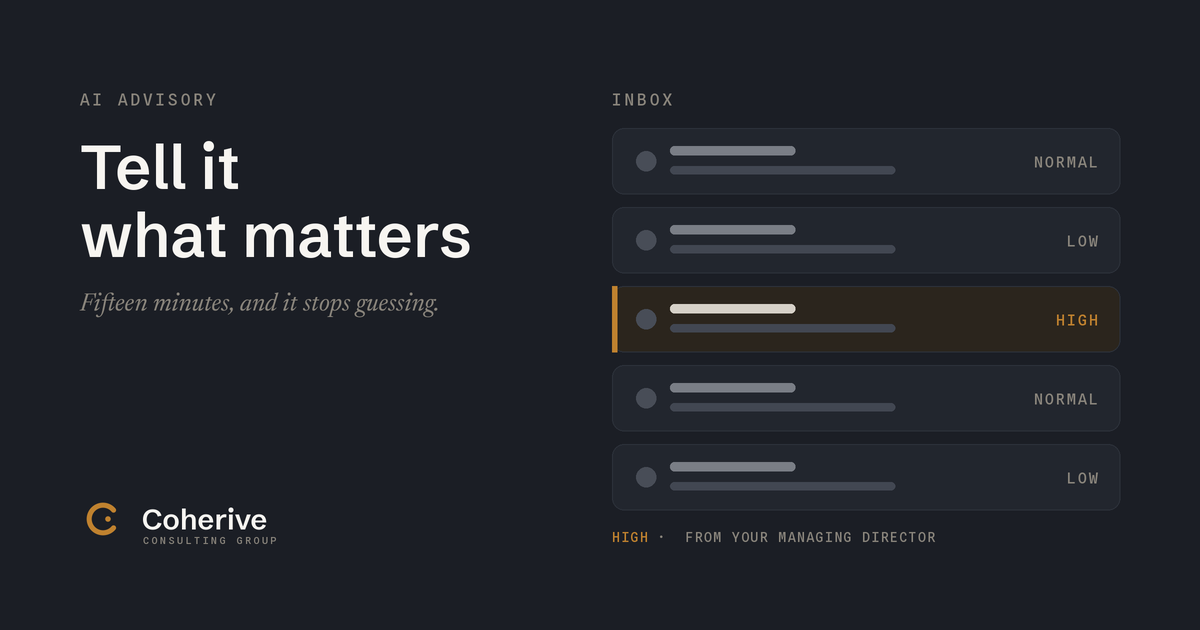
An inbox sorted into priority bands, with the one message that matters marked high in amber.

For a couple of years I treated the software that sorted my email like the weather. Something that happened to me, that I had no say in.

It was Focused Inbox, the Outlook feature that splits your mail into two tabs, Focused and Other. You know it. The mail it thinks you want goes in Focused, the rest goes in Other, and you quietly stop checking Other, because that is the whole point of Other. Then one Tuesday you go digging and find a note from a client sitting in that second tab, three days old, unread. It never occurred to me that I could correct the thing, the way you would correct a new assistant who filed something wrong. So I lived with it.

I am telling you this because the tool got a lot better while plenty of us were still treating it like weather, and the upgrade is worth fifteen minutes of your time.

Microsoft put a real AI layer on top of all this called Prioritize My Inbox, and if your company has Copilot, it is most likely already sitting in your Outlook waiting. Instead of two blunt tabs, it reads each email as it arrives and tags it high, normal, or low. Two things make it good. First, it tells you why. Next to a message it gives you its reason for thinking this one matters to you, so you are never staring at a silent verdict. Second, you can talk to it. You go to Settings, then Copilot, then Prioritize, and you brief it in plain English, the way you would brief a sharp new hire. Anything from my managing director is high. Anything that mentions the Henderson matter is high. Anything from the client, surface it. It works better with short phrases than single words, so you write it sentences, not search terms. And when it gets one wrong, you tell it on the spot that this sender always matters, and it adjusts.

That is the whole setup. Fifteen minutes, once, and a little honesty about whose mail you actually need to see before lunch. Most people never spend it. The far more common story is not a tool that ranks badly. It is a Copilot license sitting switched off inside a company that paid for it, because turning it on and showing people how was somebody's job, and that somebody was never named.

The capability is there. The value never shows up, because nobody sat down with it.

One honest note, because I am not going to hand you a tool and skip the fine print. It ships with a set of starting rules already on. Microsoft does not publish the full list, though you can feel the shape of it: mail from people above you, a note a person actually typed over an automated one, anything with a real attachment. Sensible defaults, and you do not need to see every line of them to steer the thing, the way you do not need a new hire's life story to tell them what matters. You steer on top.

So here is how to run it, and run it with confidence. Spend the fifteen minutes and brief it like a person. Then, for the first couple of weeks, take thirty seconds a day to glance at what it filed as low, the way you used to dig through Other. Not because you distrust it. Because that is how you come to trust it. You watch it make calls, you correct the few it misses, and inside two weeks it is screening your morning the way you would, because you taught it to.

That is the trade these tools offer, and it is a good one. A little time spent telling it what you care about, and it spends every morning after that getting you to what matters first. Most people are still waiting for the version that reads their mind. The ones already getting value just sat down for fifteen minutes and told it the truth.

Who wrote this

I’m Eric. I run Coherive Consulting Group. I help companies in regulated industries put AI to work in weeks, using tools they already have, without the hype or the over-engineering.

Most of what I do starts with someone describing a problem they’ve been stuck on for months. If that’s you, eric@coherive.com.

Read next

Your AI Isn't Lying. Your Data Is a Mess.

Why building one clean dataset, once, fixes the lies and the bill at the same time.

Coherive Consulting Group